How to take an Android App User Study on Mobile/Tablet?
For First-timer User
Before taking the test, make sure you have…
1.Downloaded the UserAdvocate by UXArmy App on the Google Play Store.
2.Reset a new password for your account in the UserAdvocate App by
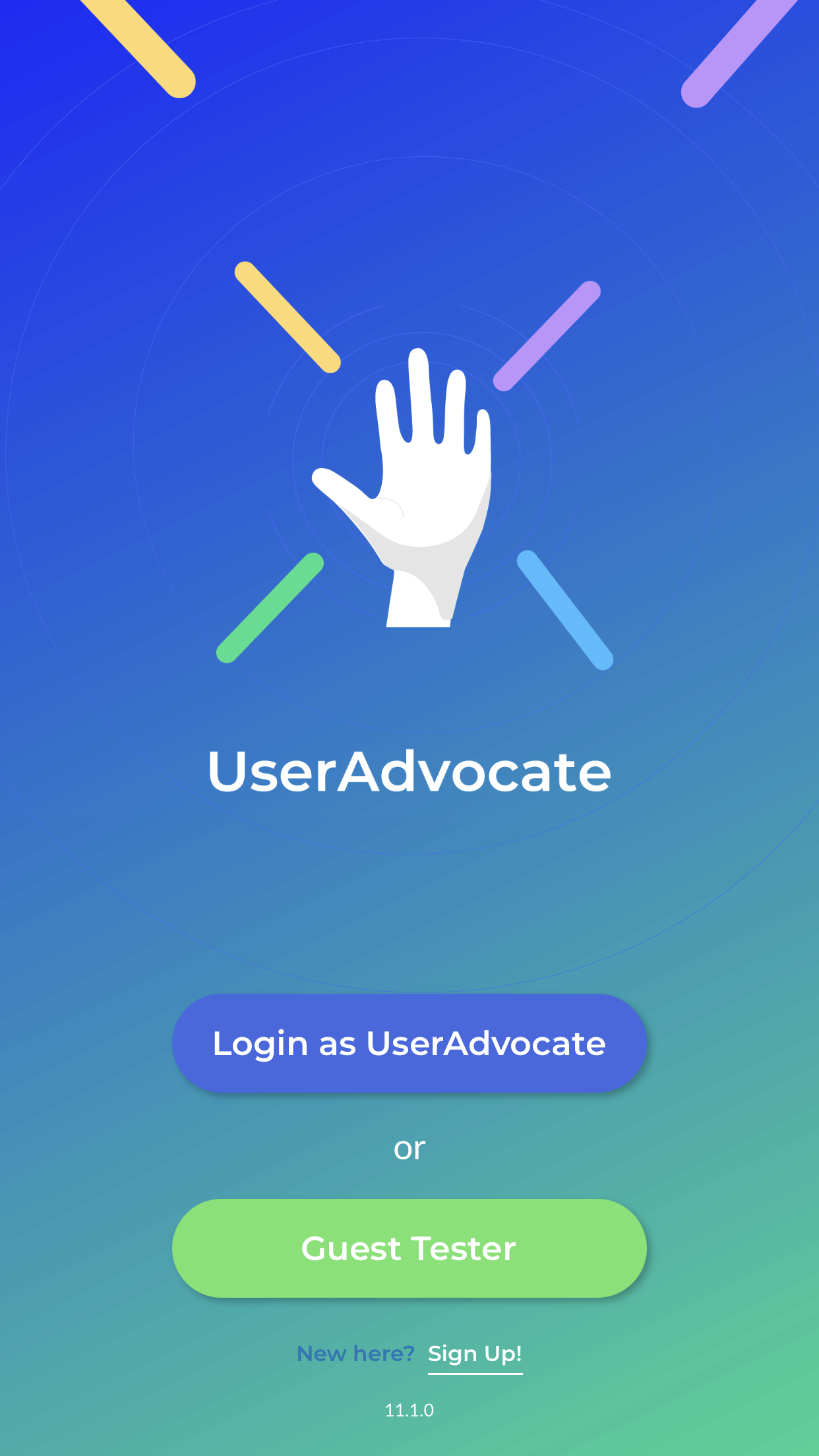
- Clicking “Login as UserAdvocate”
- Clicking “Forgot Password” to set a new password
Before starting your test, remember to
1.Have yourself seated in a quiet place
2.Wearing earphones for good voice recording quality
3.Make sure the device is connected to strong WiFi or the internet for a fluent video uploading process.
Steps to Take An App Test on Android Devices
Login As UserAdvocate
- You’ll receive an email invite for the User study in your mailbox.
- Launch the UserAdvocate App
- Click the “Login as UserAdvocate” button
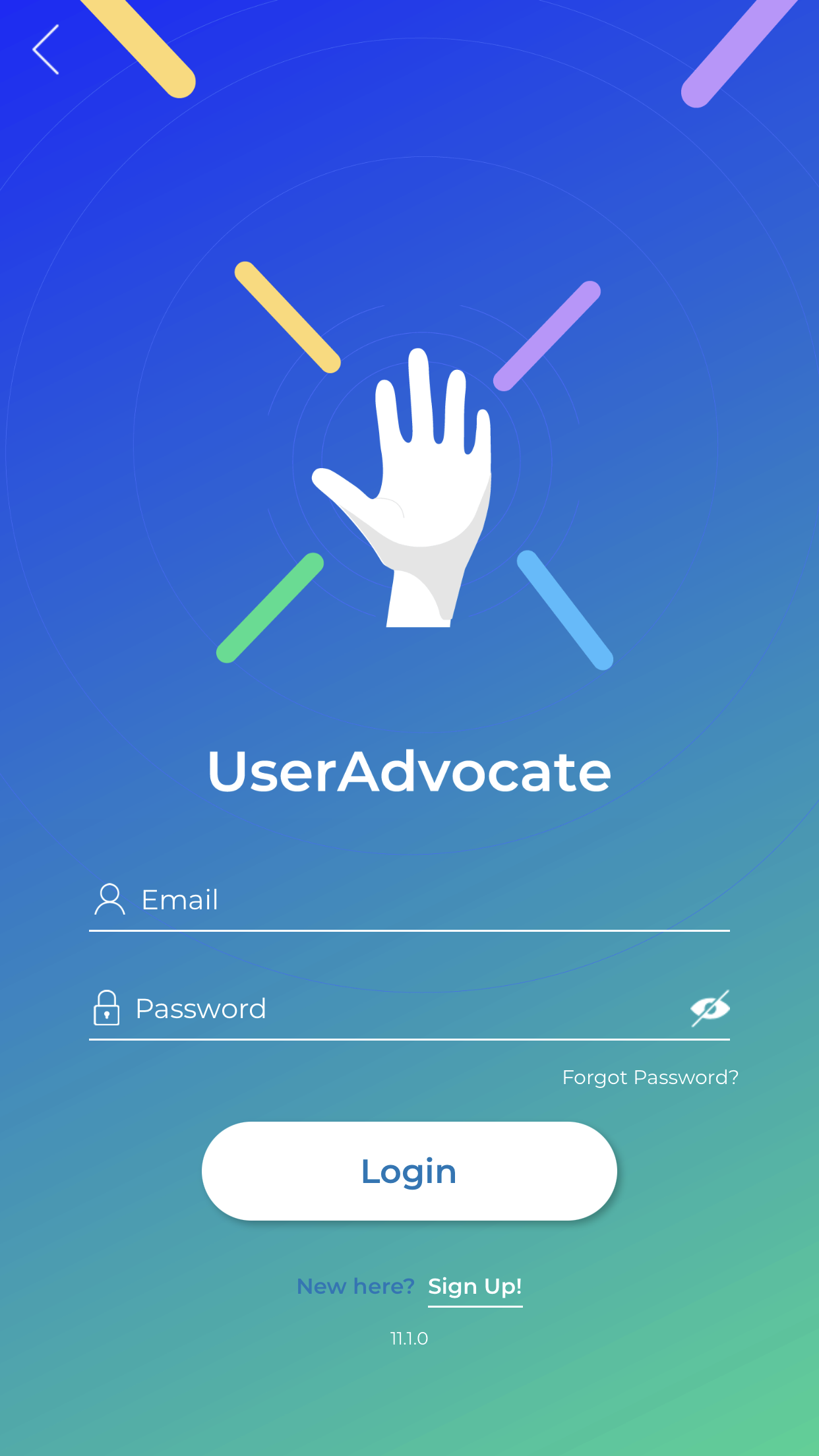
- Enter your UserAdvocate Credentials
Check Available Tests in Your Account
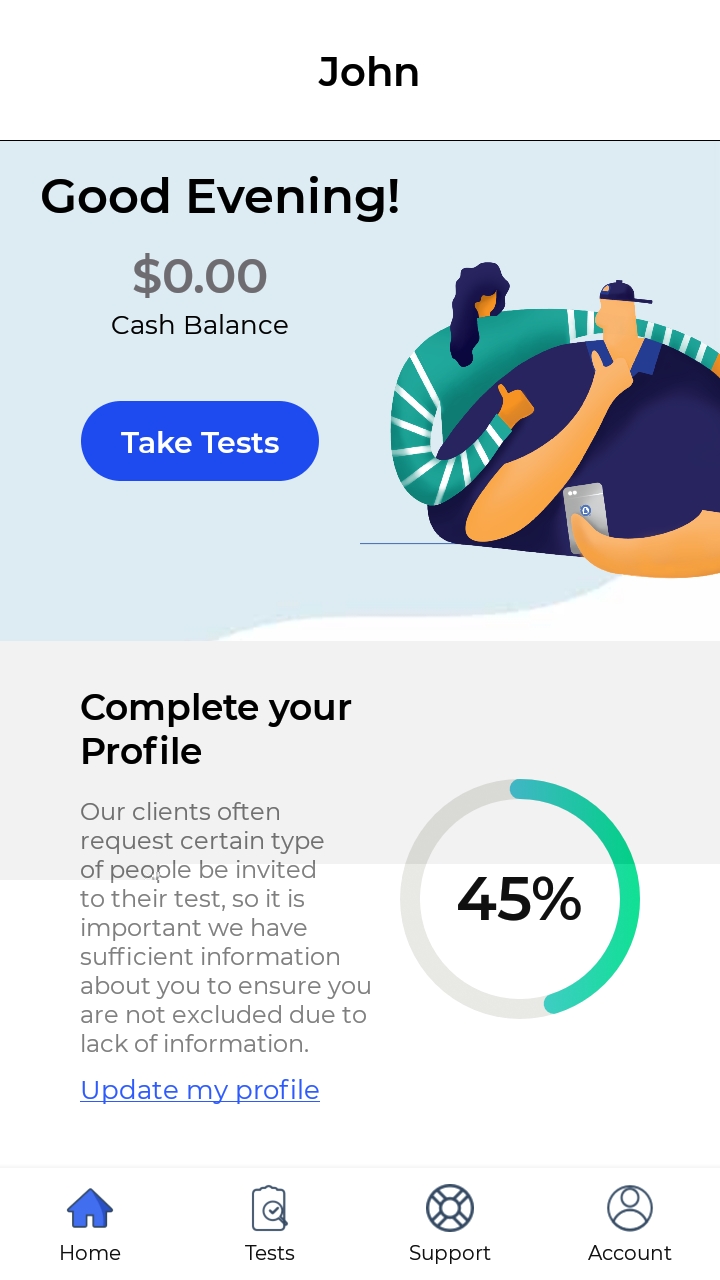
- Once logged in, you’ll see your account main page. a) Switch to the “Tests” tab from the button bar or b) Click on the “Take Tests” button on the screen.
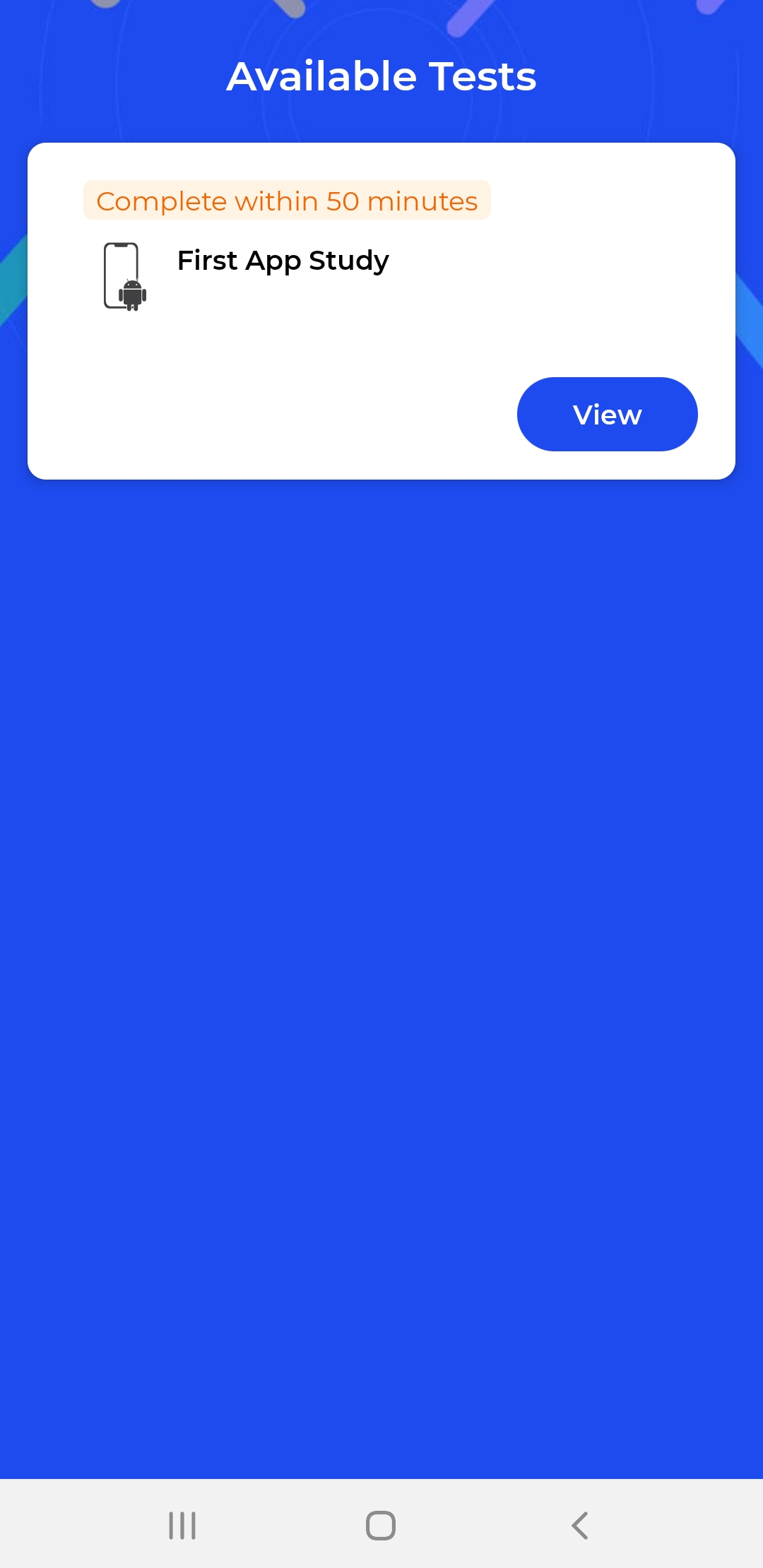
- Test available to your account would be shown here. Tap on “View” to see the test you would like to participate in.
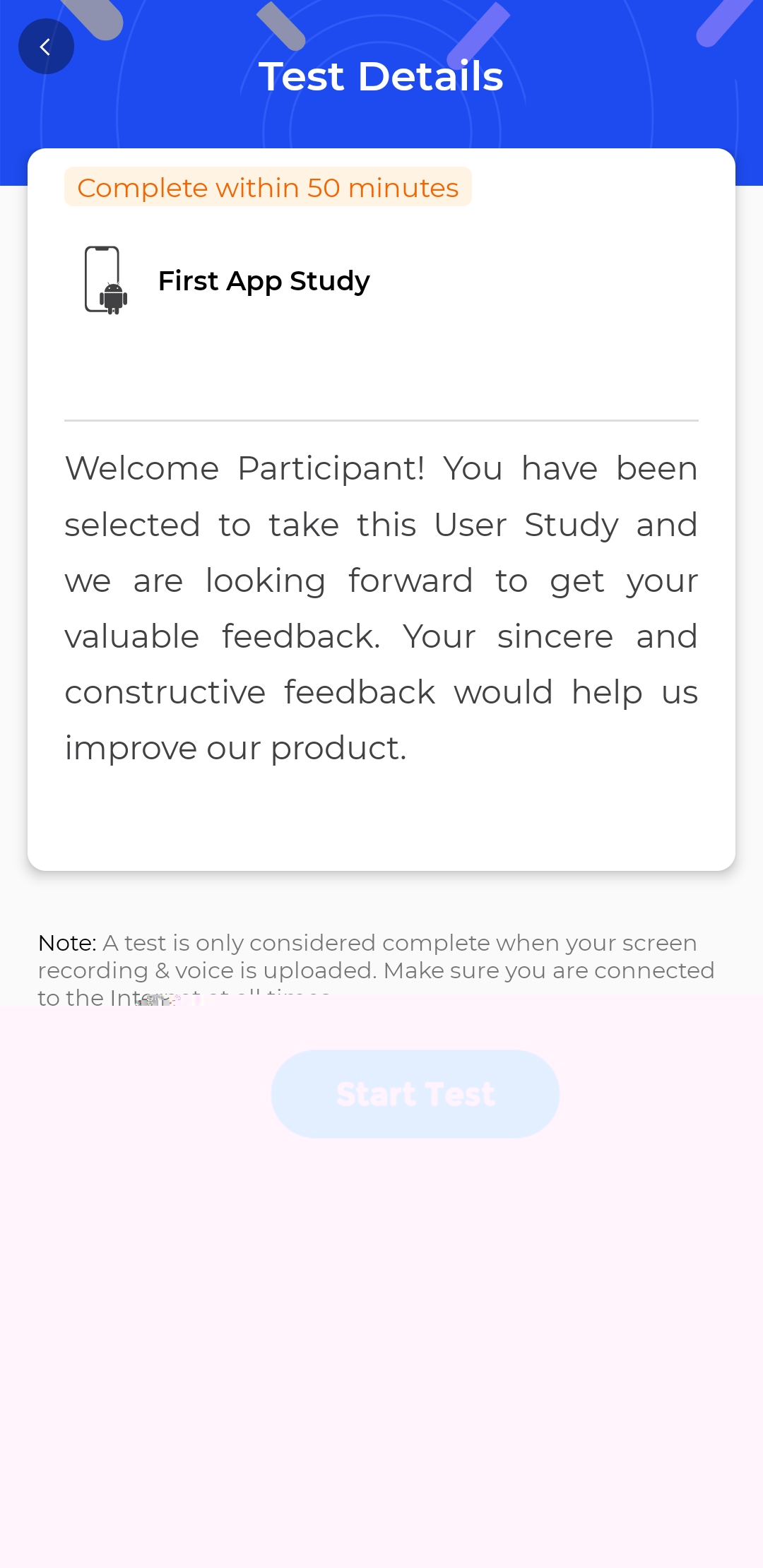
- Now, please read through the Test Details, and tap on “Start Test” to proceed.
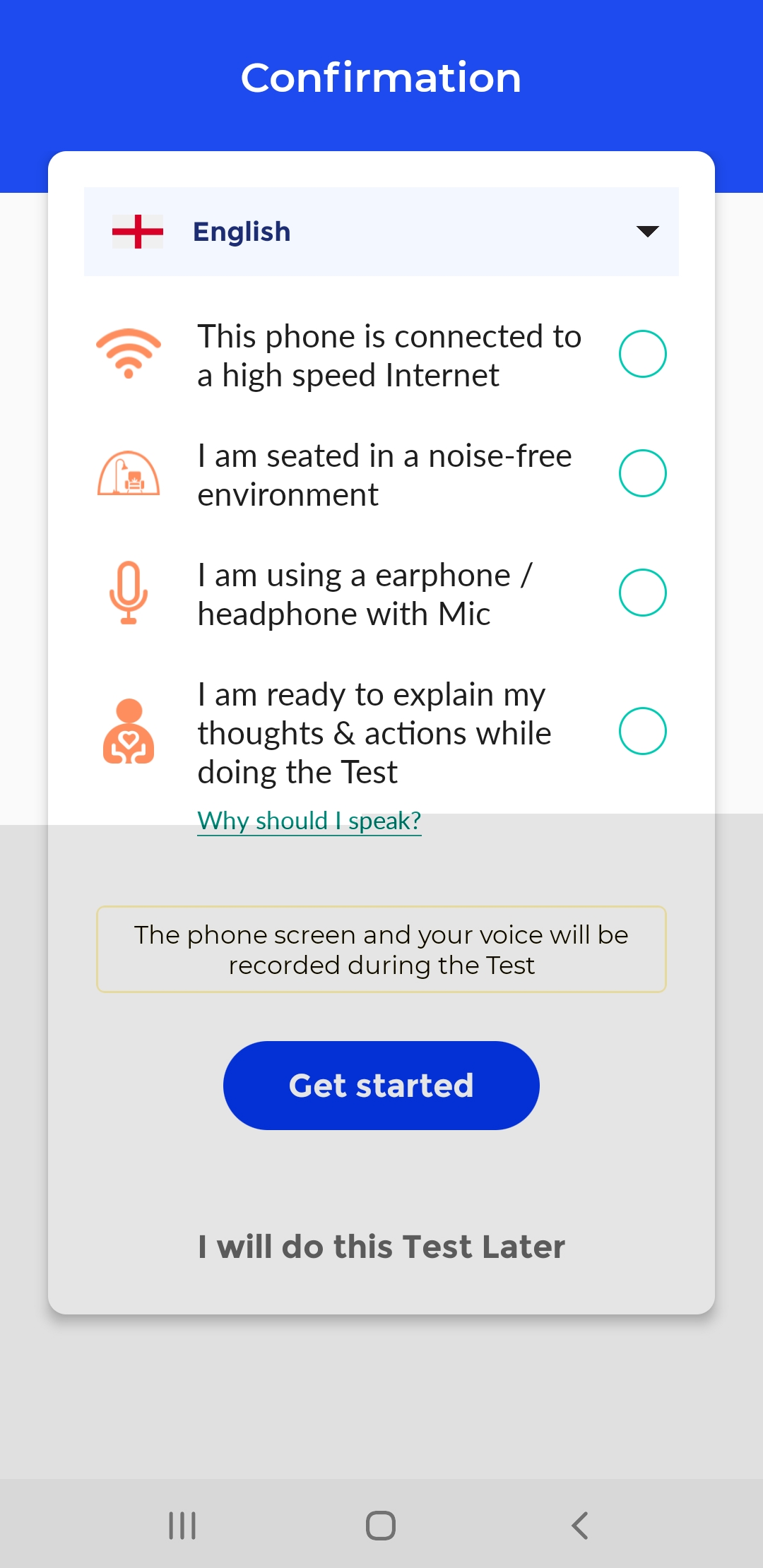
- Choose the language you would like to have the test to be in
- Tick each requirement once you have fulfilled it
❗️ Please make sure to have your device connected to high-speed internet, sit in a noise-free environment, and put on your earpieces. This is to ensure that you have set up a good environment to take the test fluently.
- Click “Get Started” when you are ready to begin the test
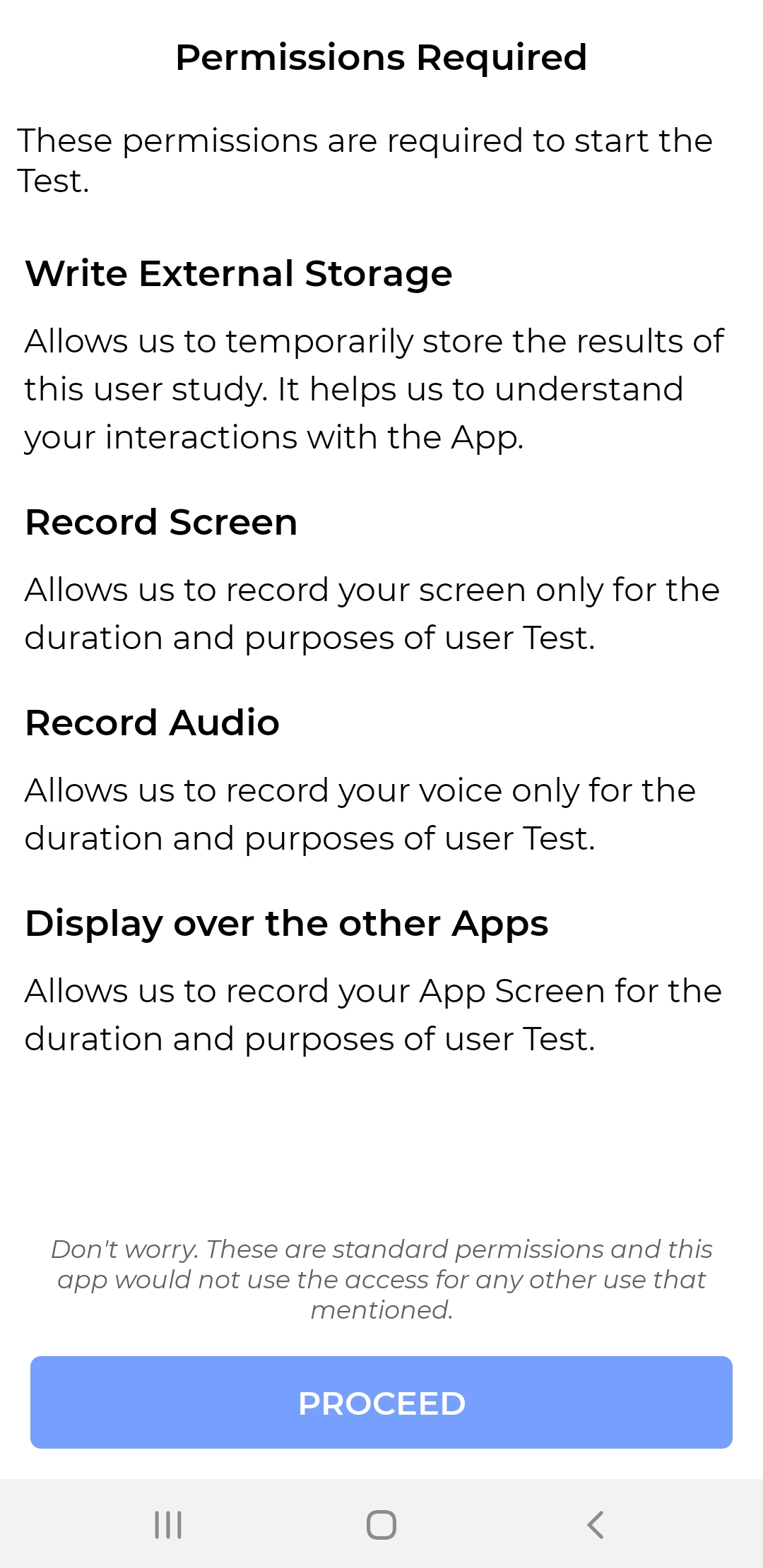
- Next, you’ll be prompted to a message informing you some permissions are required to start the test. Tap on “Proceed”.
Allow Permission Requests
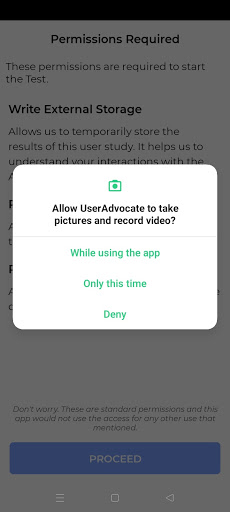
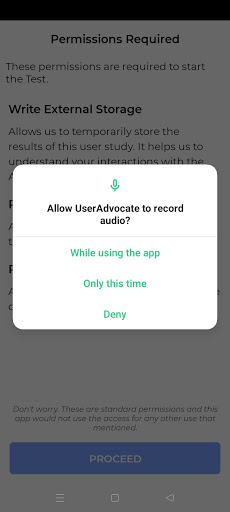
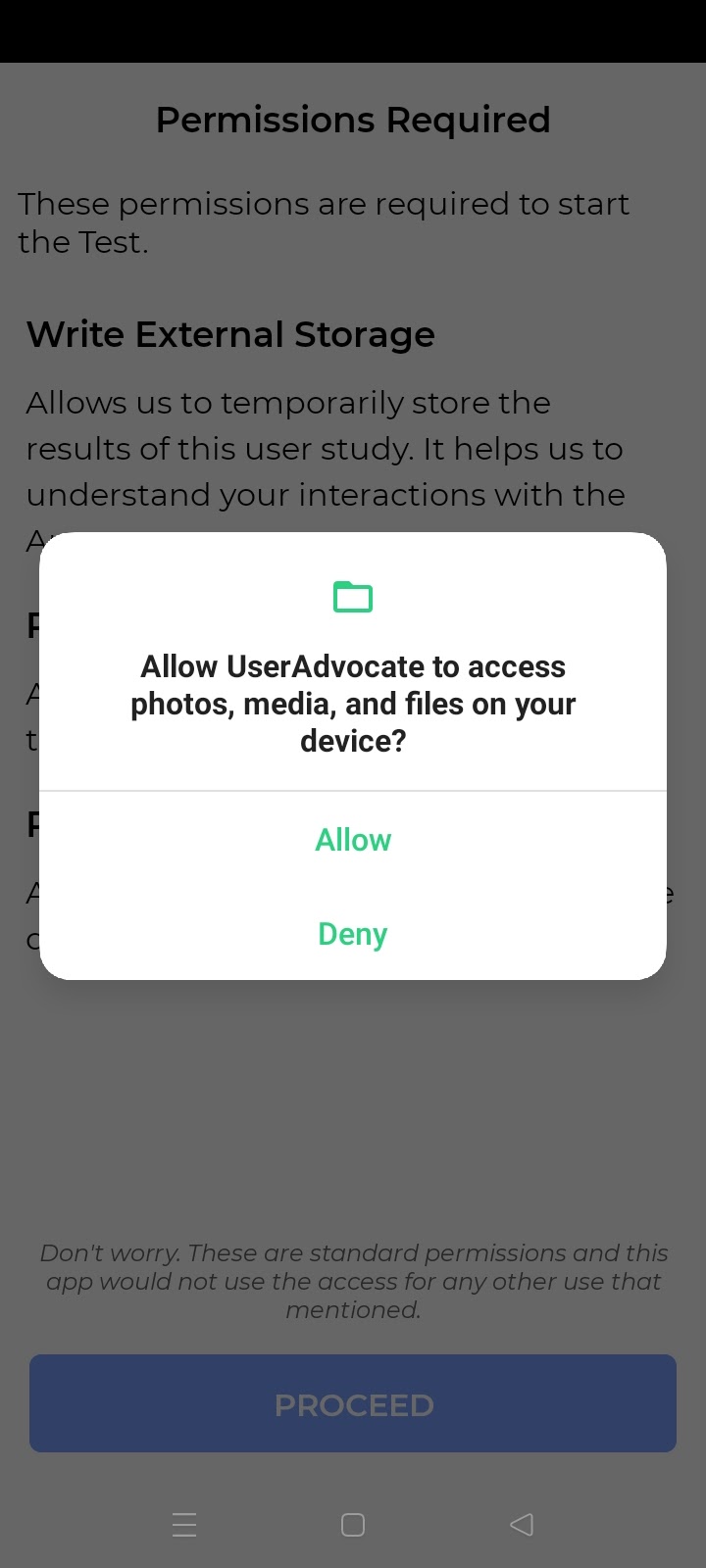
❗️ It is highly important to allow these permissions to have your submission is successful. Please DO NOT skip or deny any requests. You can change these permissions after the test.
- Tap on the “While using the app” or “Allow” to allow the screen recording during the test
- Tap on the “While using the app” or “Allow” to allow the audio recording during the test
- Tap on the “Allow” to allow us temporarily store the result of the user study for the research purpose
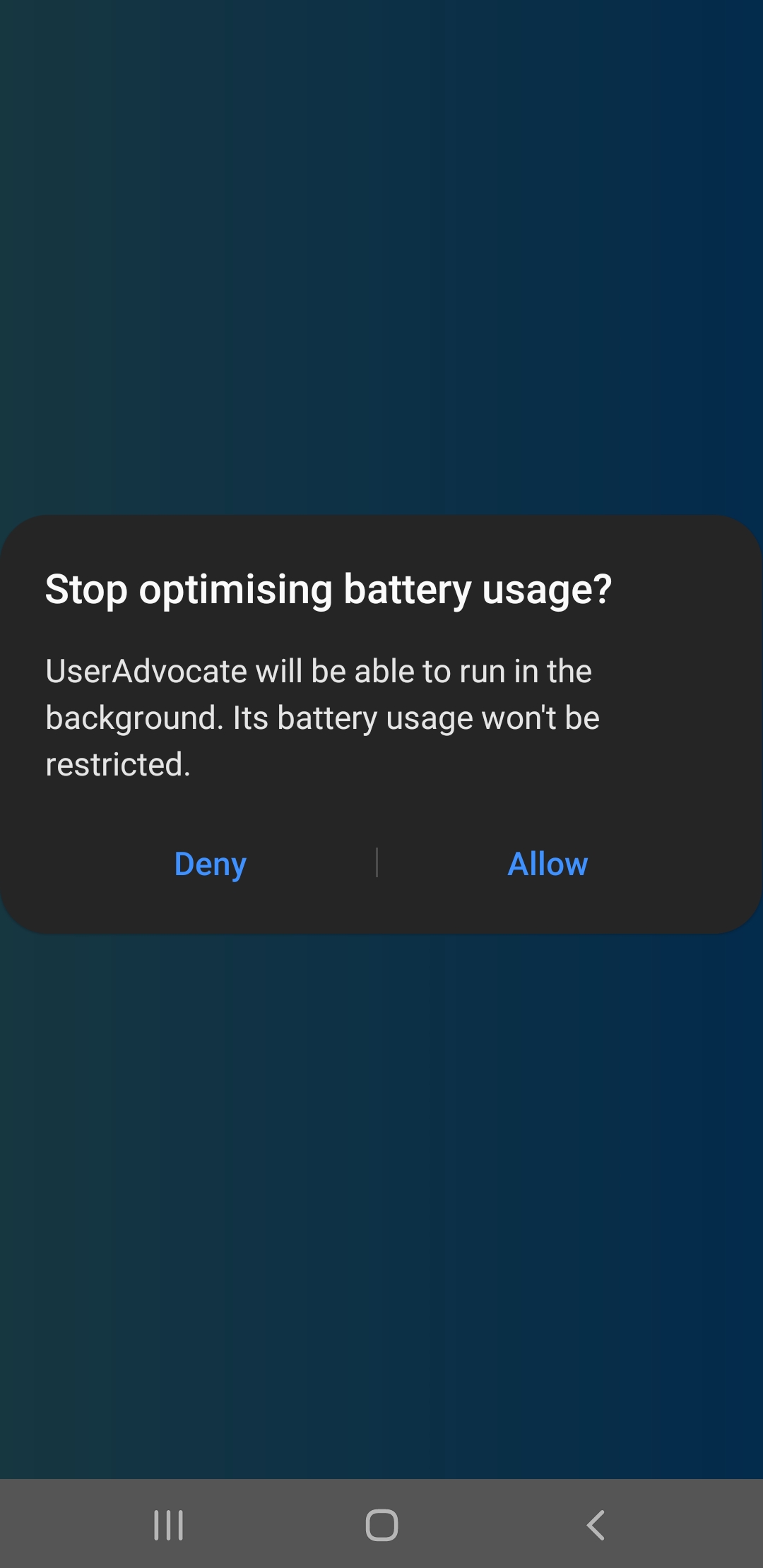
❗️ Please note that at the end of the test, there will also be another request to ask for running the UserAdvocate App in the background, click on the “Allow”.
Starting The Task
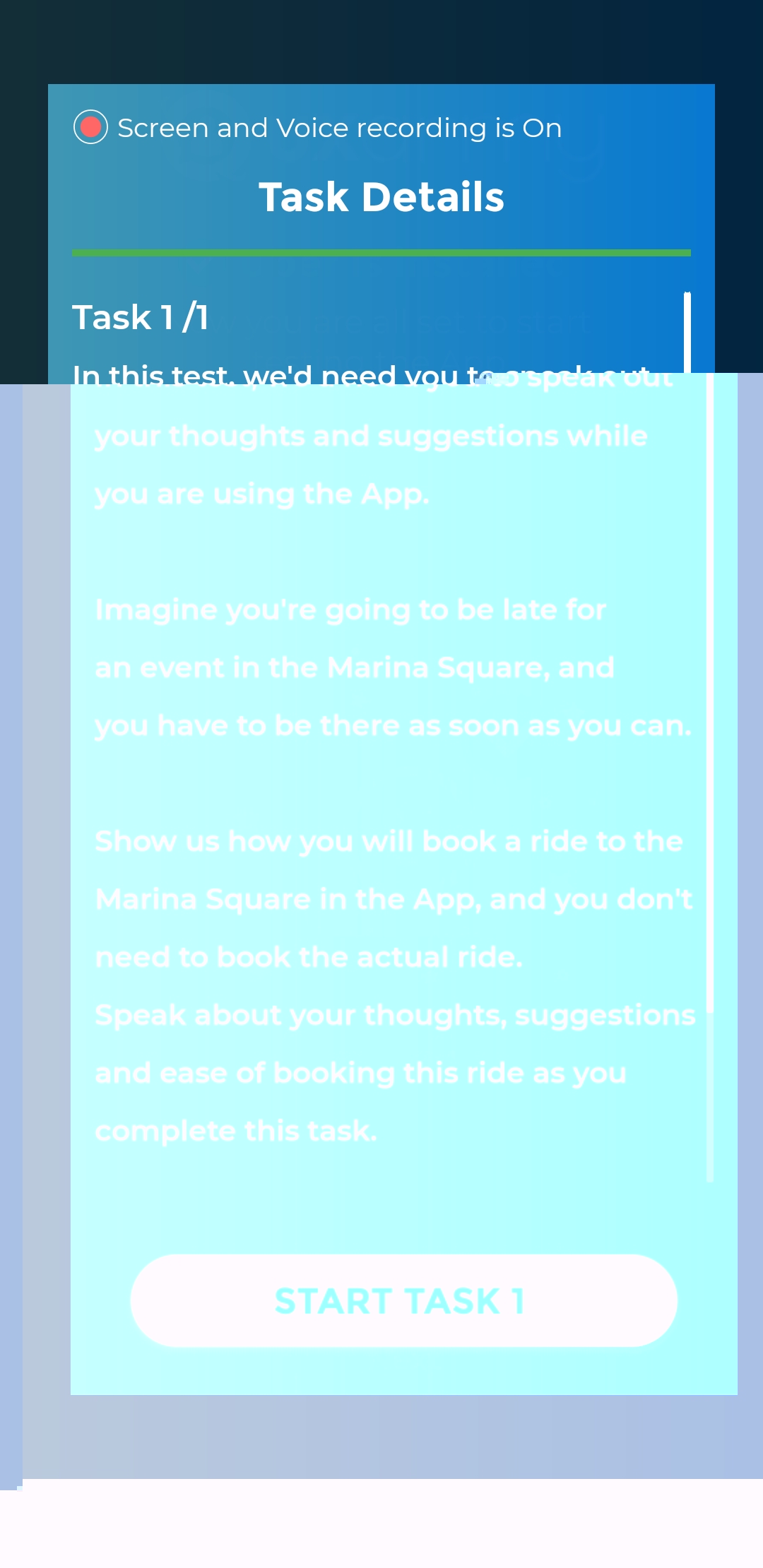
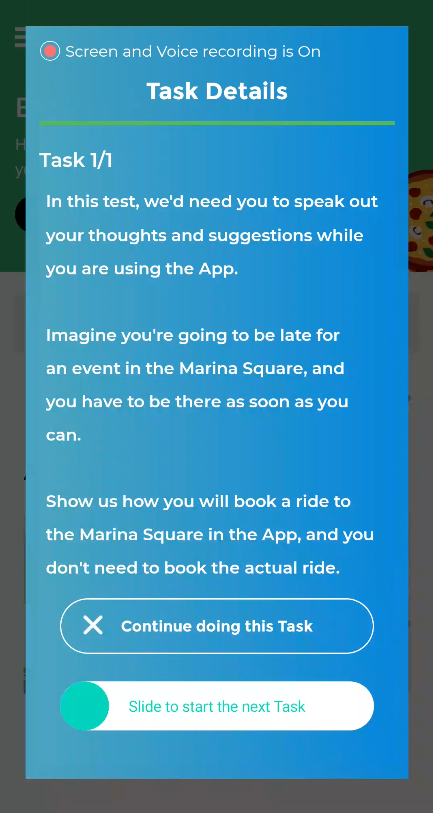
- Now, you’ll see the Task Instruction of the 1st Task. Read through the instructions carefully, and find out what you need to do to complete the task.
❗️ On the top of the screen, you’ll see the recording is on, and you’ll have 50 minutes to complete this whole study. Remember to speak out every thought or feedback you have in mind while doing each task.
- Tap on “START TASK 1” to start the task
Types of Tasks
When starting the tasks, you might be shown one of these different tasks.
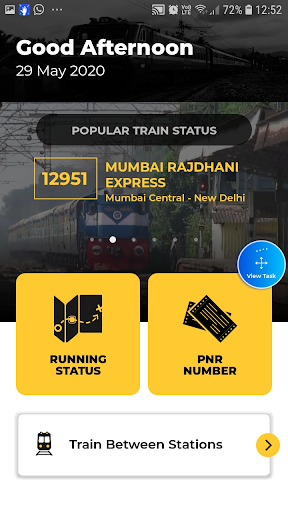
a. App navigation task: You might be asked to download and open an app or a Beta version app that is still in development on your phone. Follow the task instruction given, and complete the task.
❗ Please note that the Alibaba App shown in the below screenshot is for example purposes only. You would be asked to download a different App according to the study you are taking.
b. Prototype task: You’ll see a prototype, and follow the task instructions given to you to complete the task. If you see a screen similar to the left screen below, the prototype is loading, please wait for it.
❗️ If you are stuck at the prototype loading screen, please stop the test, and take a screenshot. Kindly email hi@uxarmy.com, we will contact you shortly.
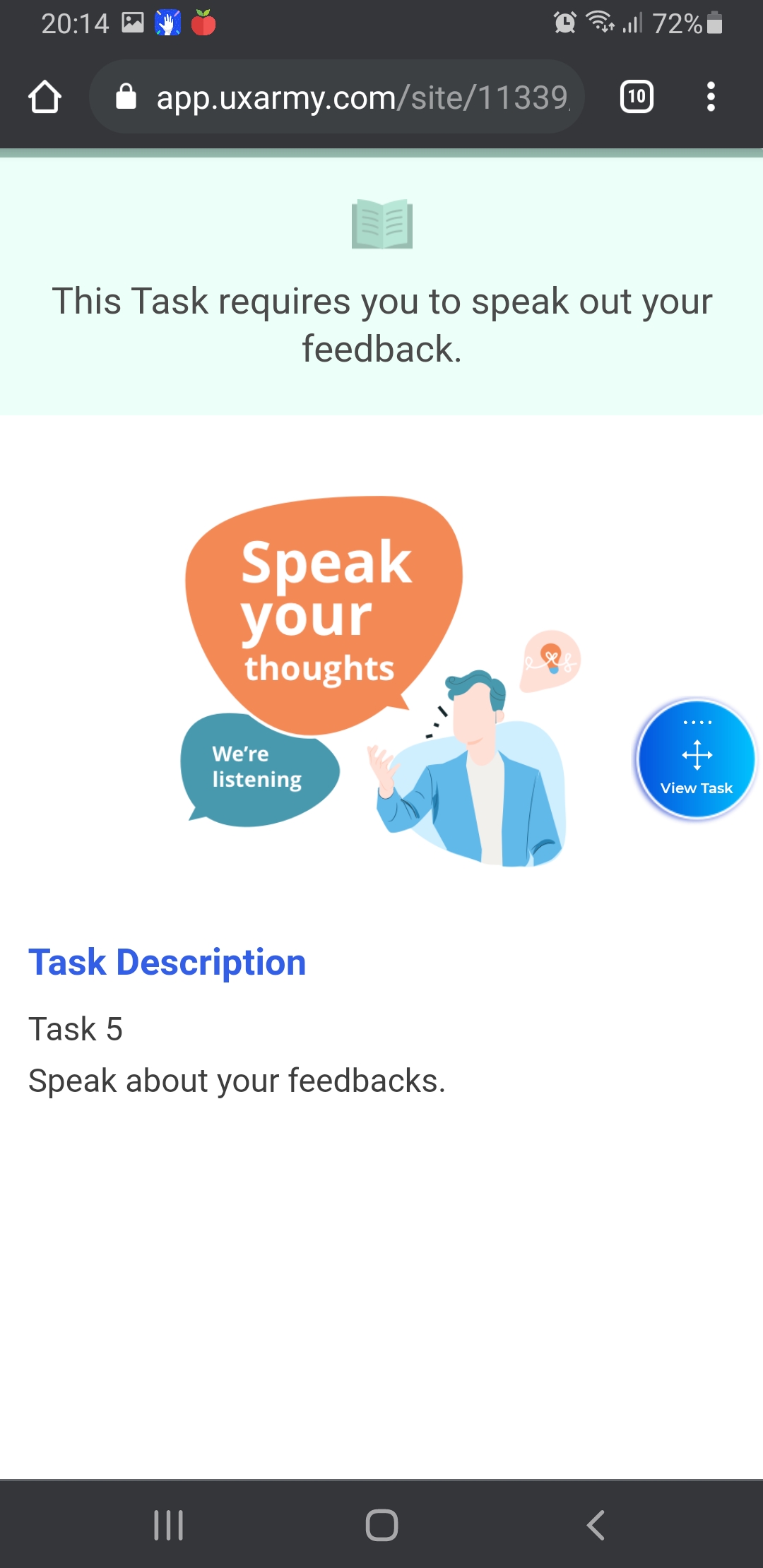
c. Speaking task: You’ll only need to speak out, talk about your thoughts, and give your verbal feedback, based on the task description given.
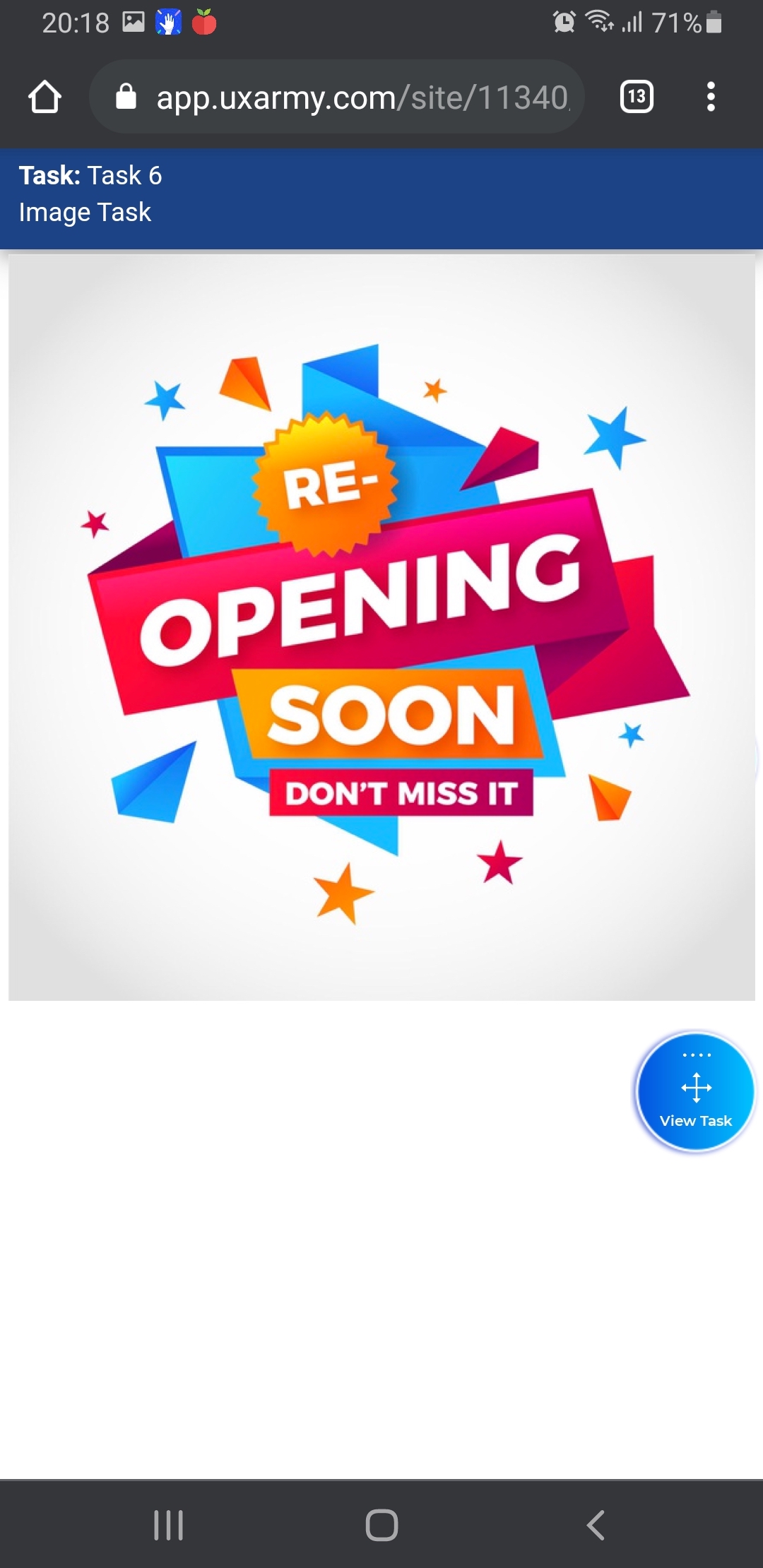
d. Image task: You’ll be shown an image, and you’ll need to speak out your thoughts and give some feedback, based on the image presented in the task.
During The Task
- To review the task instructions or move on to the next task, click the Task Controller (the movable circle icon), and you will see the task instructions again.
- When you complete this task, click the Task Controller, and “Slide the green dot to start the next Task”.
❗️ Please note once you’ve marked the task as completed, you won’t be able to come back to the previous tasks.
After Completing The Task
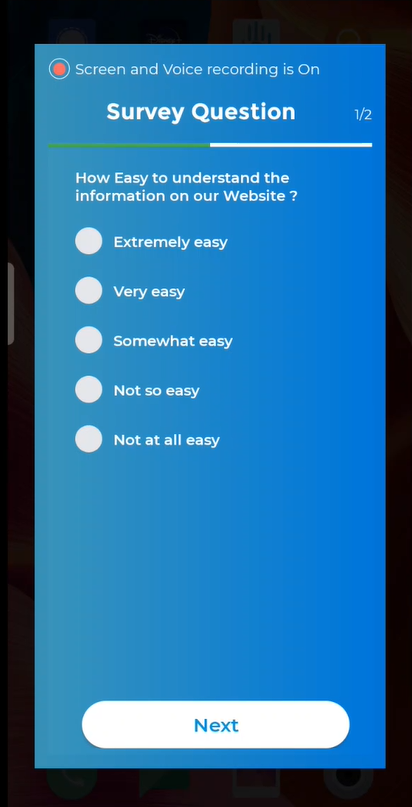
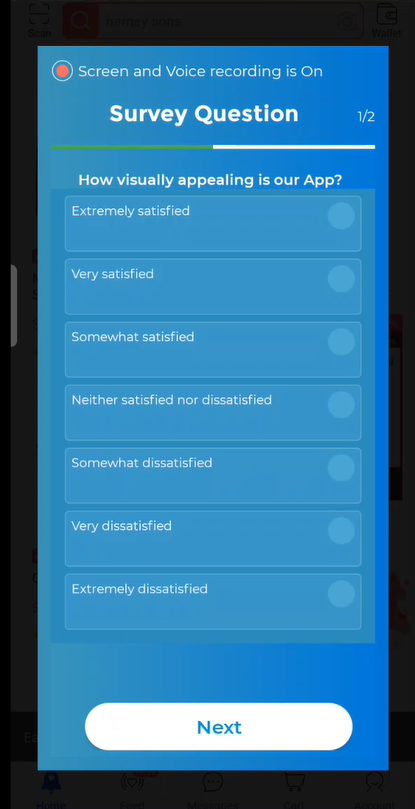
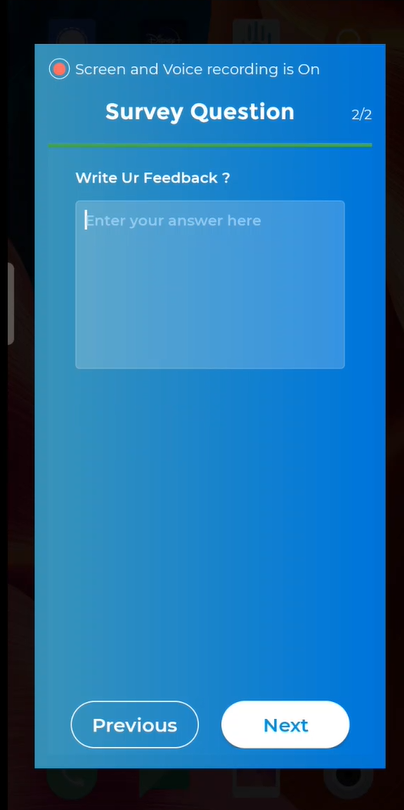
- After you “slide to start the next Task”, you might see some types of survey questions asking about your actions in the task.
- Single Select
- Multiple Choices
- Open Question
- Likert Scale
- Ranking (rank the options by pressing and dragging the 3-line button on the right)
- You’ll be able to see the next Task after completing the survey questions. Repeating the previous steps until you’ve completed all the tasks.
Submit Test
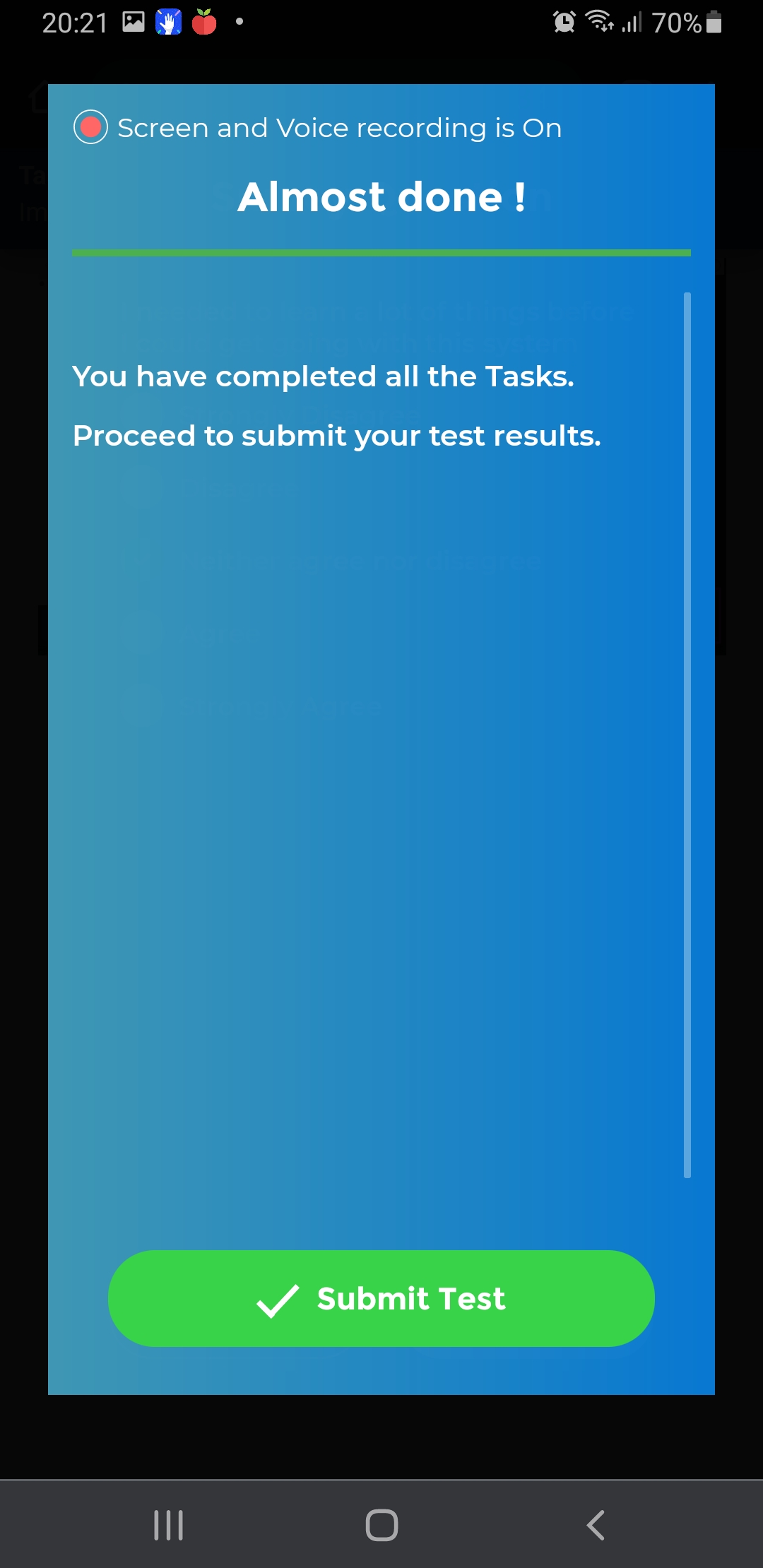
- Once you’ve completed all the tasks in the study, you will see the screen below. Tap on “Submit Test”.
- You might see a prompt message asking to run the UserAdvocate App in the background, click the “Allow” to ensure the video uploading won’t be interrupted even if you accidentally exit or close the app. You can turn off this setting after the video uploading.
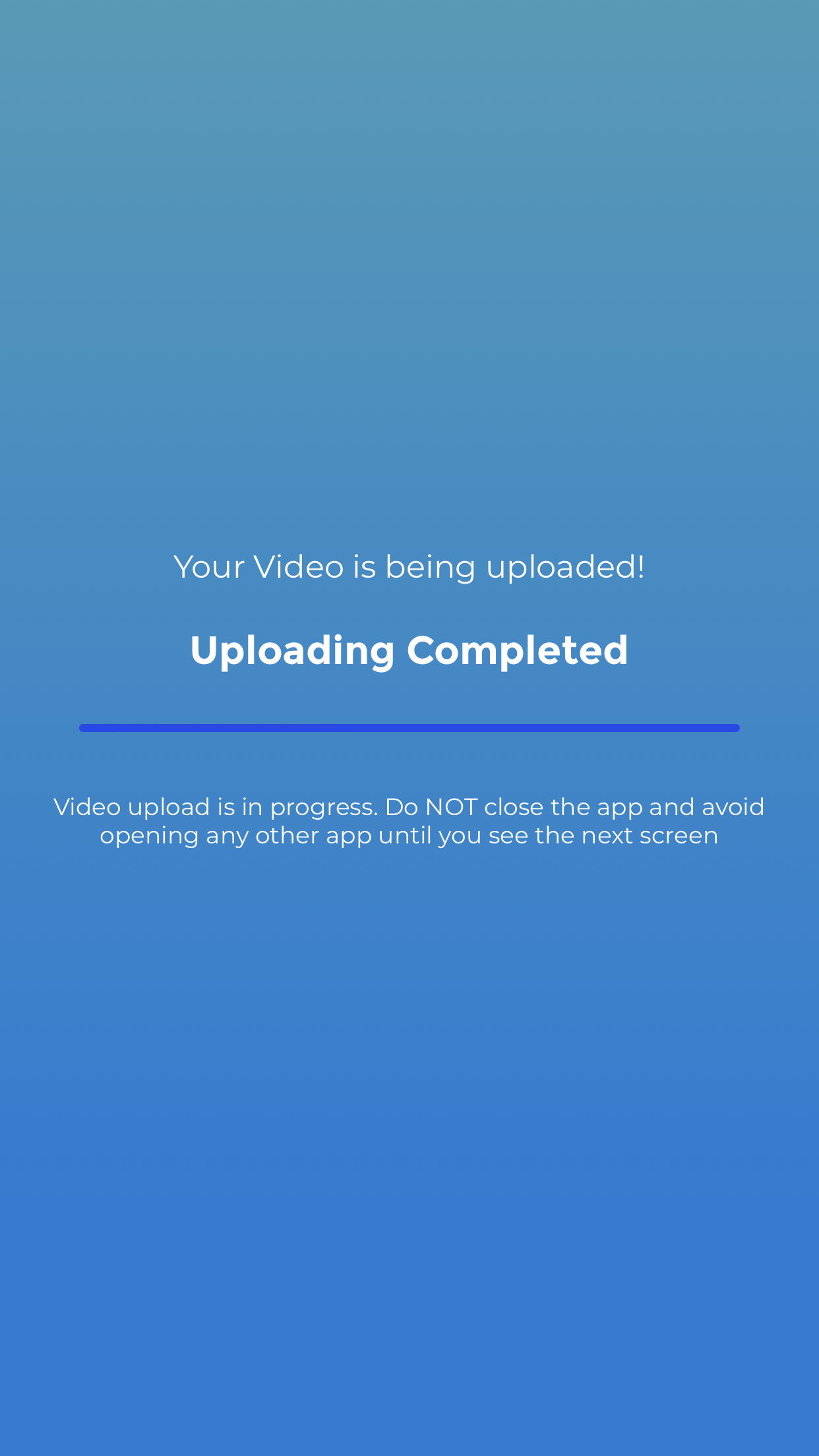
- Then, the App will automatically start uploading your screen recording. Wait till the recording to be fully uploaded.
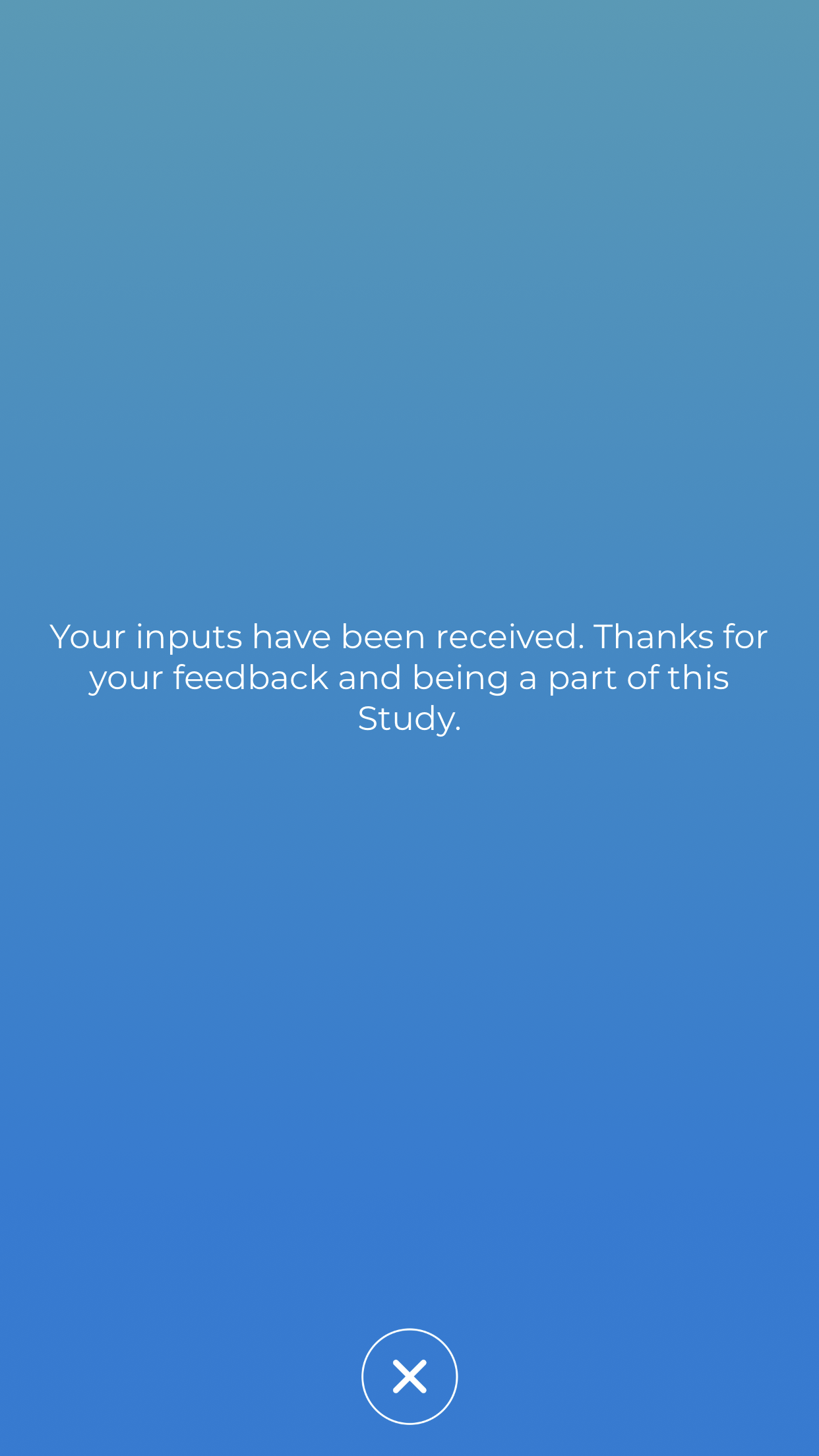
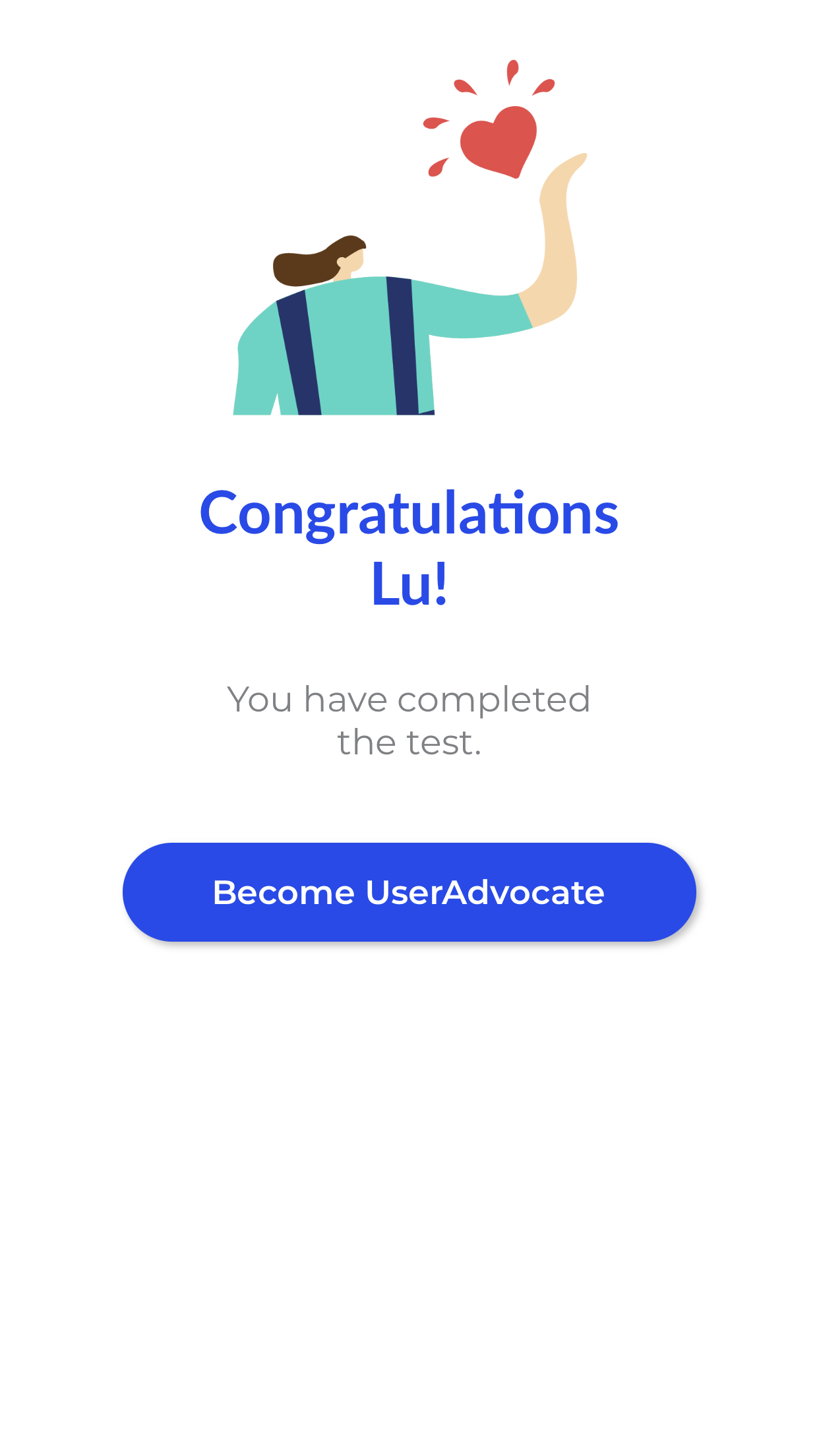
- Once the video uploading has been completed, you can close the test or tap on “Become UserAdvocates” to receive more other Paid User Study Invites in the future.
👉 Who are the UXArmy UserAdvocates?